
Annolid ModelZoo#
This page collects datasets and model resources you can use with Annolid.
Annolid ships with (and/or can auto-download) several built-in AI backends for interactive work, and it also supports importing your own YOLO/Detectron2 models.
If you have a dataset or trained model you’d like to share, please get in touch.
Built-in model backends (in the GUI)#
In the AI model selector you’ll find options such as:
SAM-family models for AI polygons (point prompts)
Grounding DINO → SAM for text-prompt segmentation
Video tracking backends (e.g., Cutie / EfficientTAM-style)
YOLO segmentation/pose models (including custom weights you browse to on disk)
DINOv2/DINOv3 backbones for patch similarity and keypoint tracking
Most of these models download weights on first use (either via the underlying toolchain or standard caches like Hugging Face / Ultralytics).
Example dataset (COCO export)#
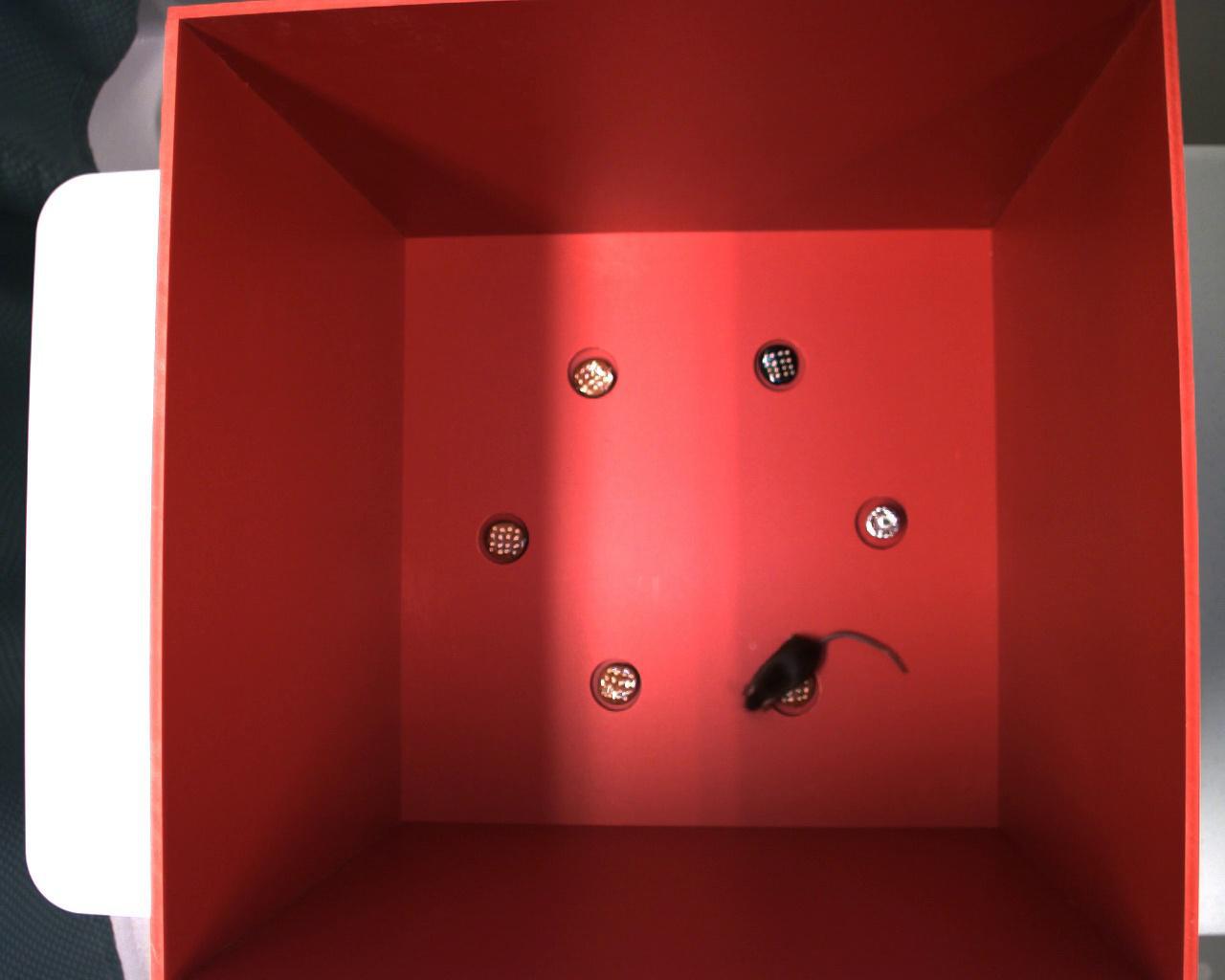
An example dataset annotated with Annolid and converted in the COCO format is available to this Google Drive https://drive.google.com/file/d/1fUXCLnoJ5SwXg54mj0NBKGzidsV8ALVR/view?usp=sharing.
Example image of this dataset:
Example pretrained models#
The pretrained models associated with the previous datasets are shared to the following Google Drive folder https://drive.google.com/drive/folders/1t1eXxoSN2irKRBJ8I7i3LHkjdGev7whF?usp=sharing